Game guide · XIAMI-GZS
Know the goal in Hitori
Open Hitori, check the instructions and begin a round. Shade repeated numbers while keeping black cells separated and all white cells connected. Look at what changes after your first action. Use the opening round to become familiar with the layout. Look at what changes after your first action.
Play twelve 5×5 puzzles. Any shaded starting cells remain fixed.
One thing to notice as you play
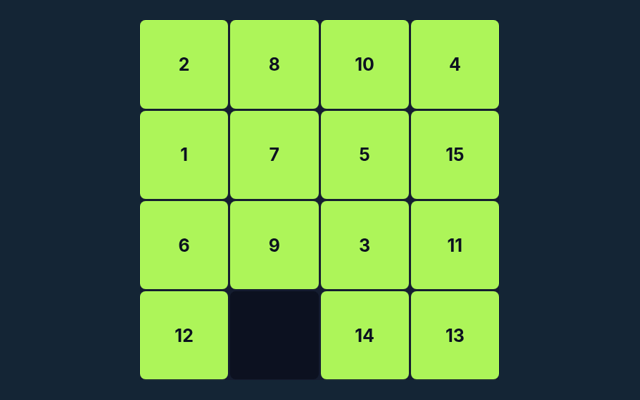
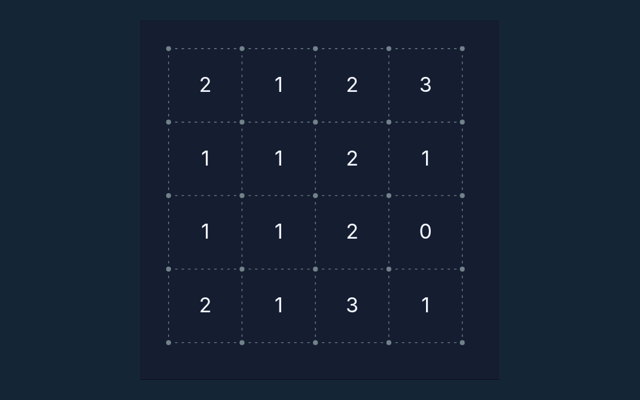
Compare the worked example with your own position. Use the reasoning, not an answer copied from a different board. Make the next step deliberately.
What you are aiming for
Shade repeated numbers while keeping black cells separated and all white cells connected. The feedback beside the game helps you follow the round. Take a moment to understand the current position.
Work through the instructions
- Click a cell to shade, mark or clear it.
- No unshaded number may repeat in a row or column.
- Black cells cannot share an edge.
- Check puzzle verifies duplicates and connectivity.
Choosing and moving on screen
Click or tap squares or graph edges. Number boards include a digit pad. Undo reverses the previous change; Check puzzle validates the solution. Keep the playing area visible while using these controls. Make sure you are interacting with the game rather than the surrounding page.
Put the rules into context
Two identical unshaded numbers in one row cannot both remain. Your next round may have a different position, so inspect it before acting. Notice the change in the playing area.
Keep this in mind
Removing every duplicate can disconnect white cells. Compare the situation with the worked example. Locate the buttons and input area before beginning a long round. Use the on-screen labels to avoid an accidental restart.
Answers about the rules and controls
Before I begin, what is the goal of Hitori?
Keep this in mind: Shade repeated numbers while keeping black cells separated and all white cells connected.
For a quick reminder, how do I control Hitori?
Keep this in mind: Click or tap squares or graph edges. Number boards include a digit pad. Undo reverses the previous change; Check puzzle validates the solution.
Before I begin, what example helps explain Hitori?
Two identical unshaded numbers in one row cannot both remain.
While reading the Guide, what should I watch out for in Hitori?
For clarity: Removing every duplicate can disconnect white cells.
While reading the Guide, what format does Hitori offer?
Keep this in mind: Play twelve 5×5 puzzles. Any shaded starting cells remain fixed.
While learning, which play mode does Hitori use?
Keep this in mind: The mode on this page is Solo. Same-device play uses one screen; this game library does not provide internet matchmaking.
When I return, where should I start with Hitori?
For clarity: Click a cell to shade, mark or clear it.
Do I need an account or a payment for Hitori?
Keep this in mind: No player account or payment is needed. Game scores are recreational results, not cash prizes.
Before I begin, how can I find Hitori again?
Here is the relevant explanation: Use the Games list or save this game page in your browser bookmarks. The Guide is linked from the playing page.
On this playing page, how do I report an issue with Hitori?
The key detail is this: Use the contact form and include the game name, browser, device and the actions that led to the issue. Do not send passwords or payment details.